Activate
  Login
Login 


 Search
 Register
 Sign in

Puwede kaya QR pangbayad?
Nowadays, it’s common to pay for a transaction using your e-wallet or digital lending app with a QR code. Grocery stores, retail shops, restaurants, and even some sari-sari stores offer this option for the ease and convenience of their customers. With just one scan, the transaction is done; and now, securing your health is just as seamless.
Good news: Maxicare’s PRIMA prepaid healthcare products are now available with installment payment options via QR Ph. You can use your e-wallet app, such as GoTyme, GCash, and Maya, or digital lending apps, such as Home Credit, BillEase, and Atome. With this payment option, it’s easier to allot a monthly budget for your health.
Getting your PRIMA card is simple:
1. Visit shop.maxihealth.com.ph and add PRIMA product/s to your cart.
2. Select “QR Ph” as the payment method at checkout.
3. Input the required details, then scan the generated QR code with any e-wallet or digital lending app. For those purchasing using mobile, you can download or screenshot the QR code, then upload it when processing the payment on your chosen app.
Note: Installment options will depend on your app’s offer.
4. Complete payment and wait for confirmation.
5. Receive your PRIMA e-card or e-voucher via email.
So if you’ve been putting off that check-up, consultation, or health screening, this might be your sign to stop delaying it. With PRIMA’s QR Ph installment payment option, taking care of yourself — and your family — is now more accessible than ever.
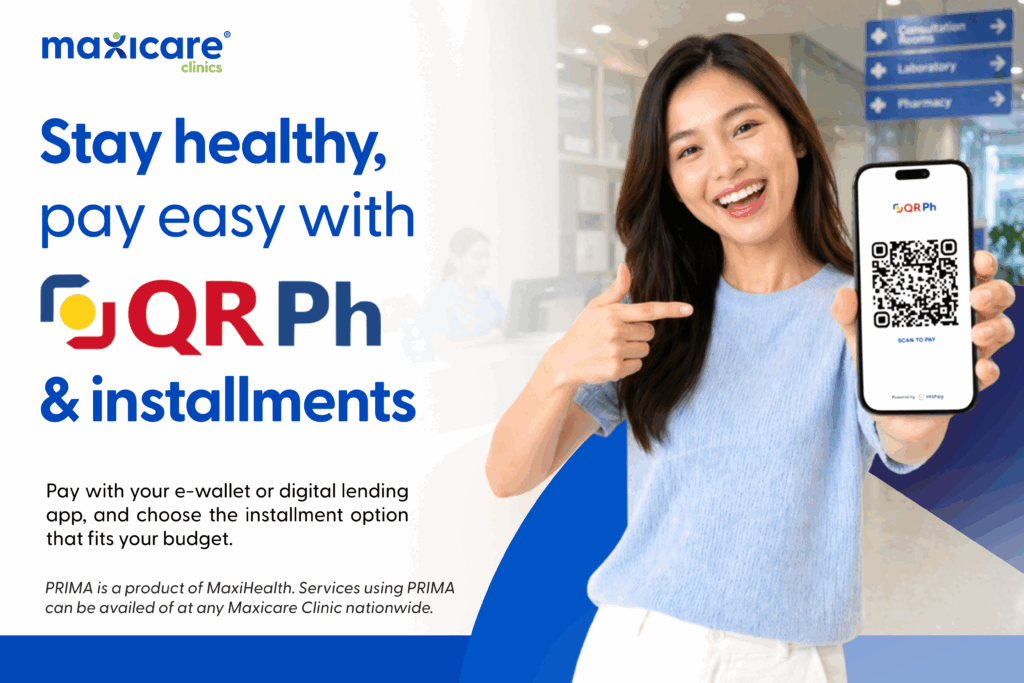
What’s more, as a PRIMA user, you can also pay via QR Ph for your out-of-pocket expenses in the Maxicare Clinics.

Discover the PRIMA product that fits your needs and start your journey toward a healthier you. Visit shop.maxihealth.com.ph today.
PRIMA is a MaxiHealth product. Services using PRIMA can be availed of at any Maxicare Clinic nationwide.
 0
0
 0
0